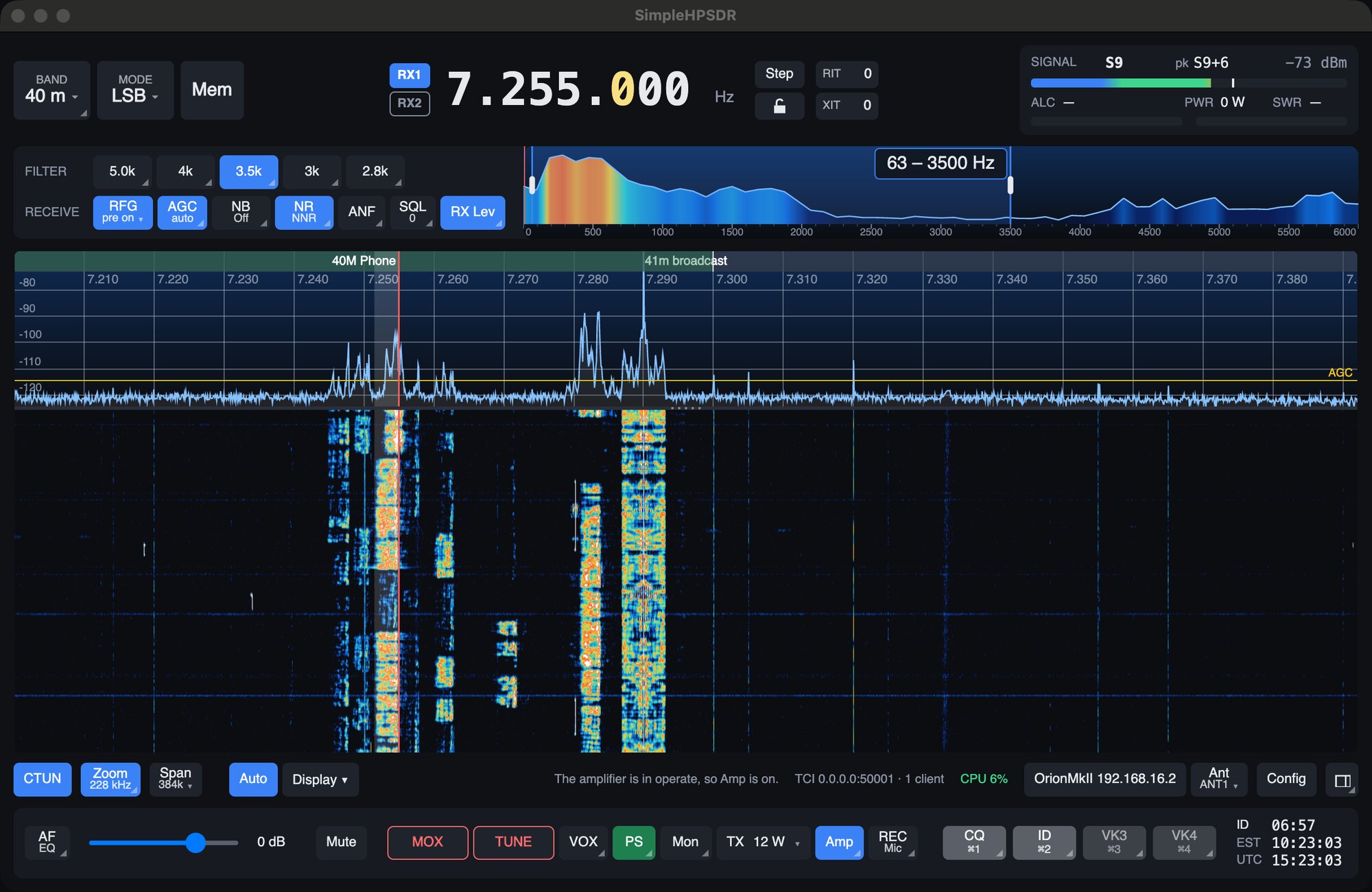
SimpleHPSDR runs an OpenHPSDR radio from your computer. The radio connects over your network; the app shows the band and holds the controls, and an engine inside the app does the signal processing. The idea behind it is "it's a radio": the everyday controls stay on screen, and the rest is a click or a right-click away.
What you need
- A radio. SimpleHPSDR is developed on an ANAN-7000DLE MkII over Protocol 2. It also supports ANAN G2s (including running on the G2's own Raspberry Pi), Hermes-Lite 2s and Brick SDRs. The radio picker also offers the ANAN-8000DLE, Orion MkII, Anvelina Pro3 and Red Pitaya.
- A computer on the same network as the radio. macOS 14 or later, Linux (x86-64 or arm64, including a Raspberry Pi 4 or 5 on 64-bit Raspberry Pi OS), or Windows 10 or 11 (x64).
- A network connection between the two. The radio uses UDP only.
Everything SimpleHPSDR needs is in its package. It needs nothing from Zeus or any other SDR program, and shares nothing with an installed Zeus.
The quick version
- Install it. Download the package for your computer from the Releases page. See Install and first start.
- Let the first start finish. The first time, the signal processing is measured and tuned for your computer. That takes around 8 minutes on a fast machine. Leave the app open. A Raspberry Pi skips this step.
- Choose your band plan, for your region or licence class.
- Choose your radio in the list and press Connect.
- Pick a band and a mode at the top left, click a signal on the panadapter, and set the volume with the AF slider.
- Before you transmit, connect an antenna or dummy load, set your microphone in Config > Audio, and set DRIVE and MIC from the TX button. See Transmitting.
A small mark in a button's bottom right corner means it has more behind a right-click. A ▾ means a click opens a list or a popup. Hover over anything for a short explanation. Blue means a control is on.
What's in this guide
Help inside the app
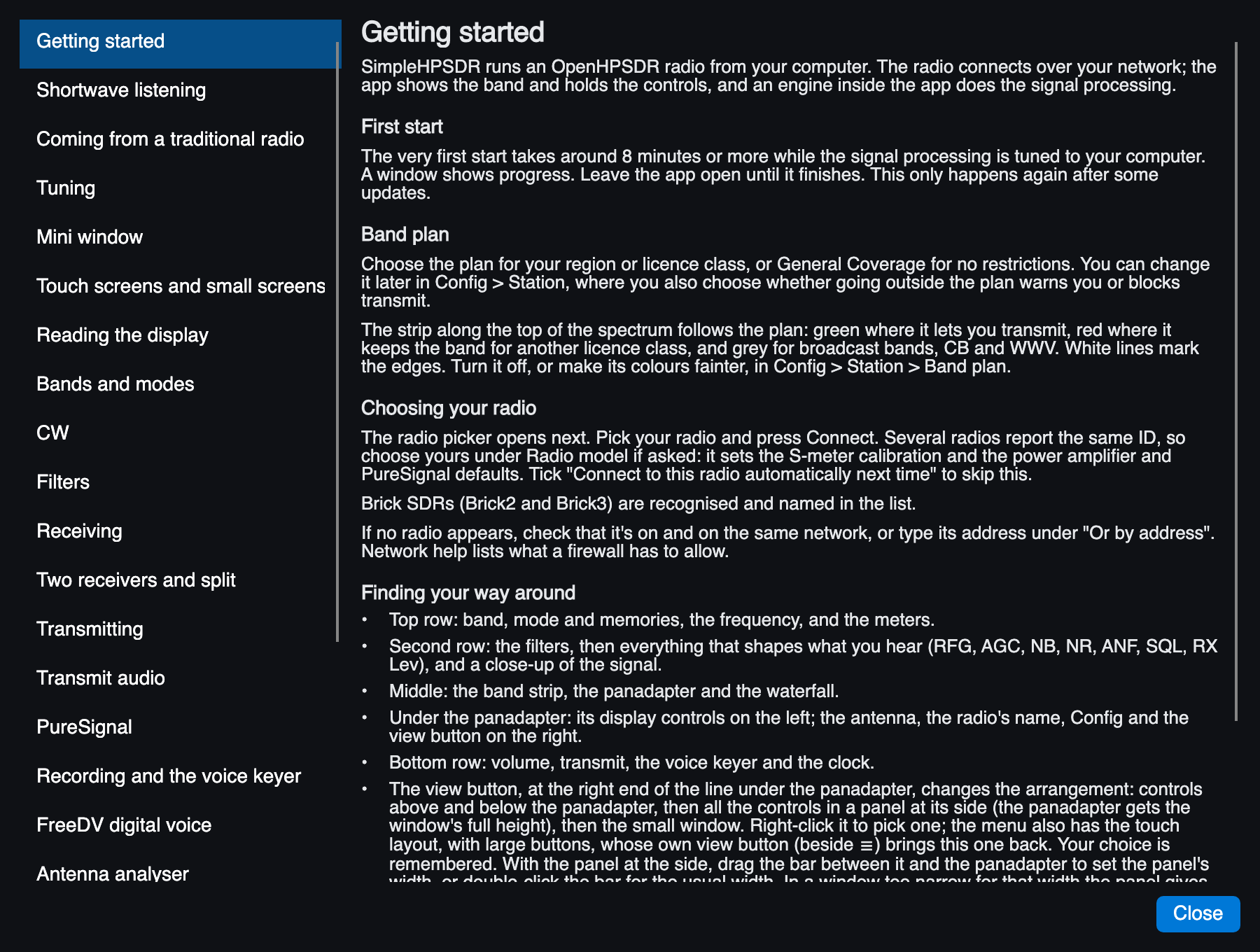
The Help menu opens the same material as a list of topics, so it's there when you're at the radio without a browser. The Help menu also checks for updates.
Credits and licence
SimpleHPSDR stands on Station Engine, the radio and DSP engine from the Zeus SDR project, whose principal developers are Douglas J. Cerrato, KB2UKA, and Christian Suarez, N9WAR. WDSP is by Warren Pratt, NR0V. SimpleHPSDR is not affiliated with or endorsed by the Zeus SDR project. The full credits are in the README.
SimpleHPSDR is free software under the GPL, version 3 or later. The source, the releases and the issue tracker are on GitHub.